 Submarine
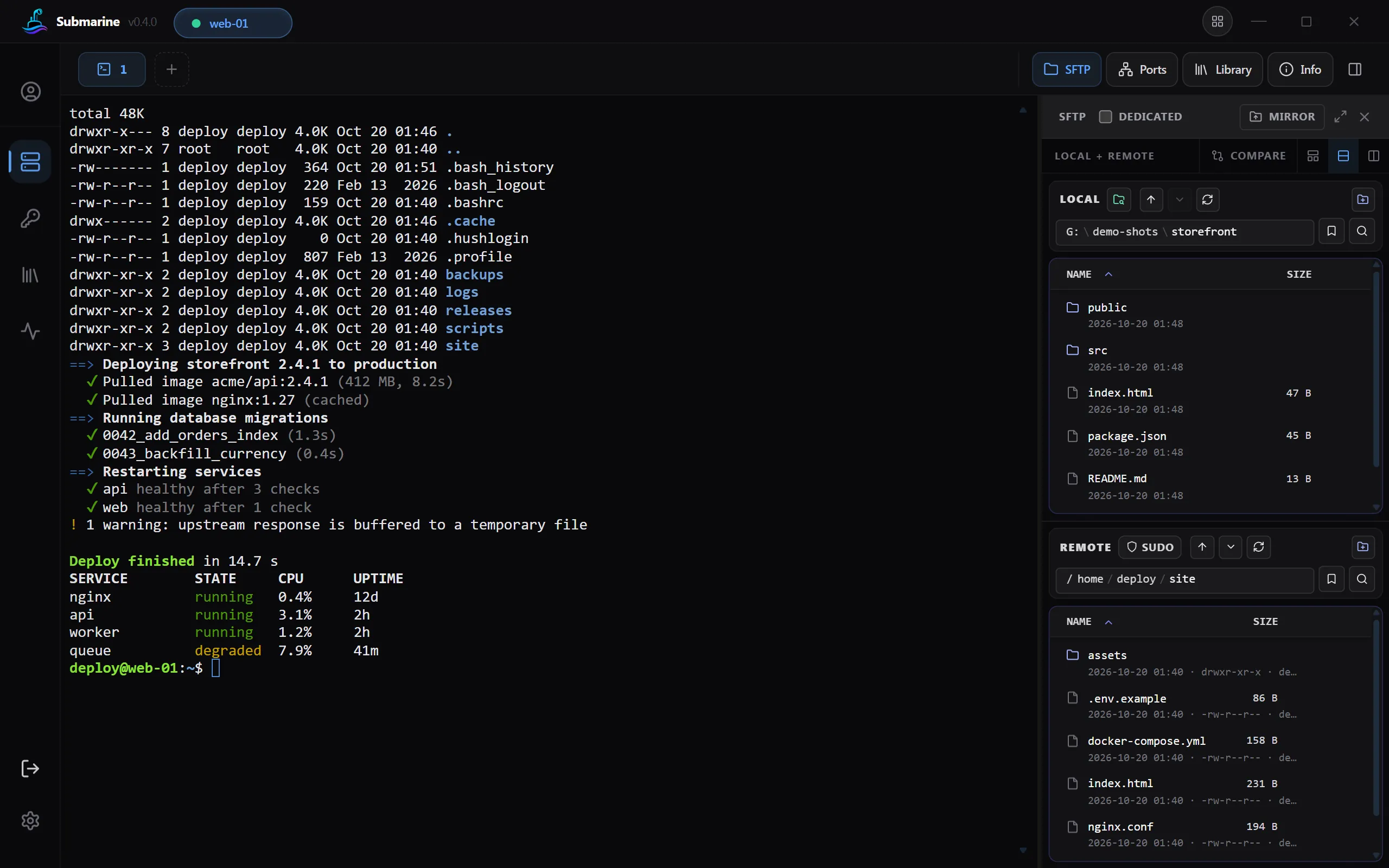
Terminal
Tabs, split view, true colour, 10,000 lines of scrollback, colour schemes and Nerd Fonts. Search what it shows with Ctrl+Shift+F, and the commands you typed with Ctrl+Shift+R.
Submarine is an SSH, SFTP, RDP, VNC and Telnet client for Windows, macOS, Linux and Android. Your servers, passwords and keys are encrypted on your device, and they sync between your devices only if you want them to.
One app instead of
Connect, transfer, forward, watch and share, on every computer you use and on your phone.
Tabs, split view, true colour, 10,000 lines of scrollback, colour schemes and Nerd Fonts. Search what it shows with Ctrl+Shift+F, and the commands you typed with Ctrl+Shift+R.
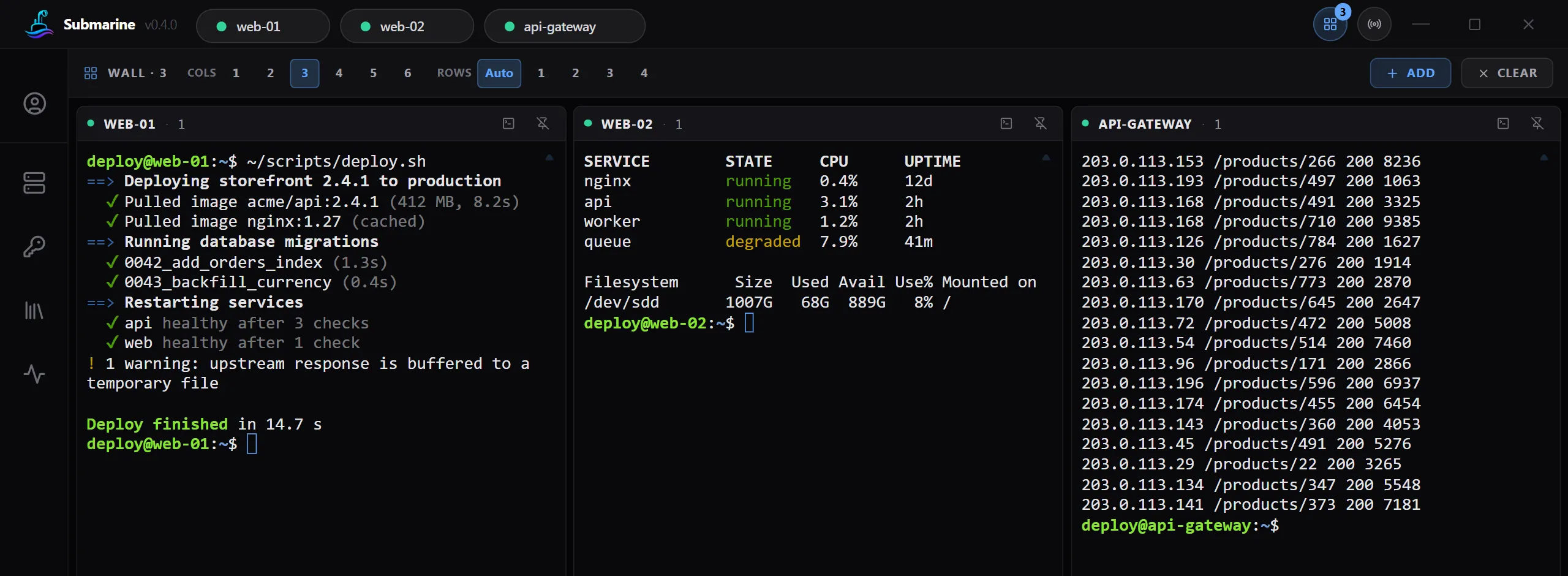
Many servers side by side, and typing into all of them at once.
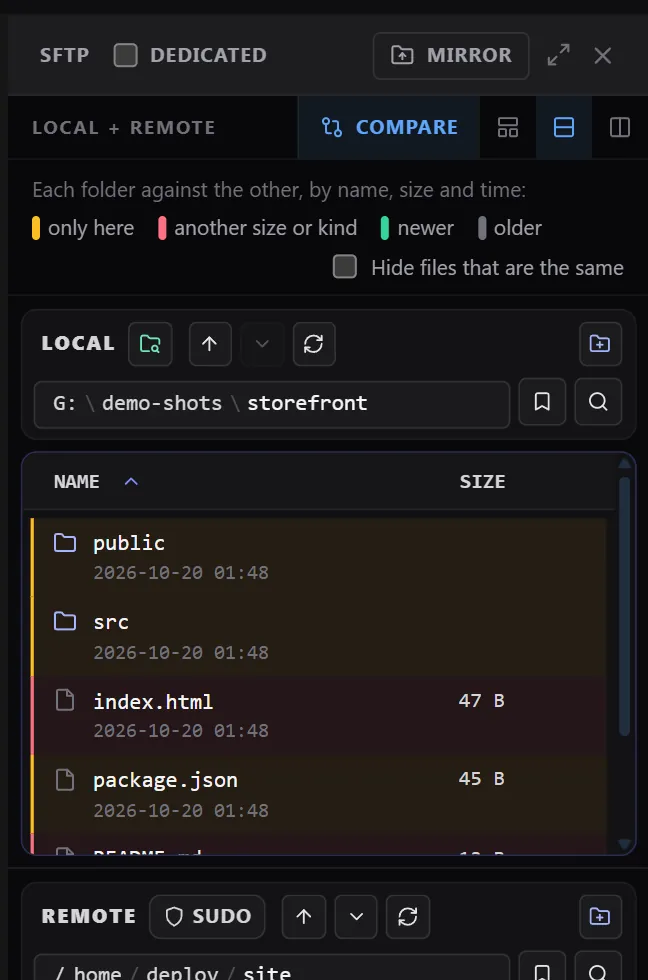
Drag and drop, compare folders, edit remote files, archives, sudo, and servers without SFTP.
Remote desktops in a tab, with a shared clipboard, speed and quality choices, and a mark that shows how the link is doing.
For old switches and routers, clearly marked as not encrypted.
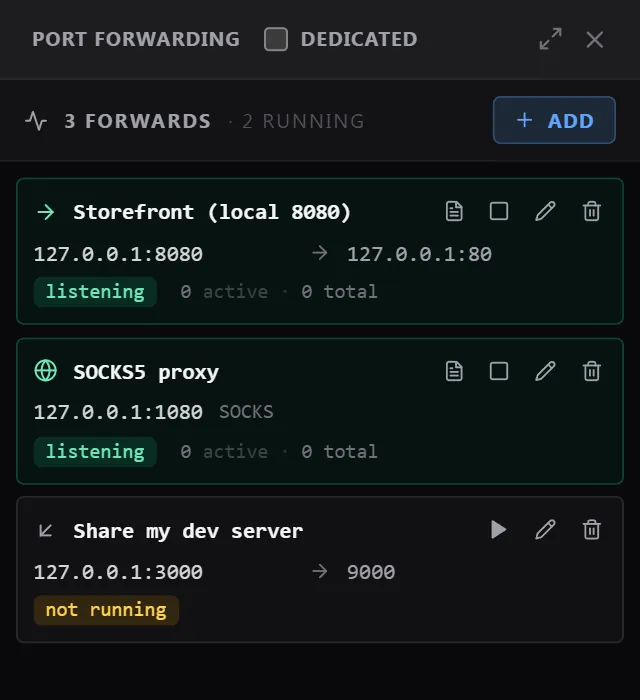
Local, remote and SOCKS forwarding, with a live log of every connection.
Your ~/.ssh/config, SSH agents, hardware keys, OpenSSH certificates, jump hosts and proxies.
AES-256-GCM with an Argon2id key. Unlock it with Windows Hello or your fingerprint, if you like.
Between your devices, each item encrypted on the device before it is sent.
Share servers with your team. Each member gets the profile's key sealed to them.
CPU, memory, disk and network, an alert when a server goes down, services and Docker.
Keep the commands you run often and paste or run them in a terminal.
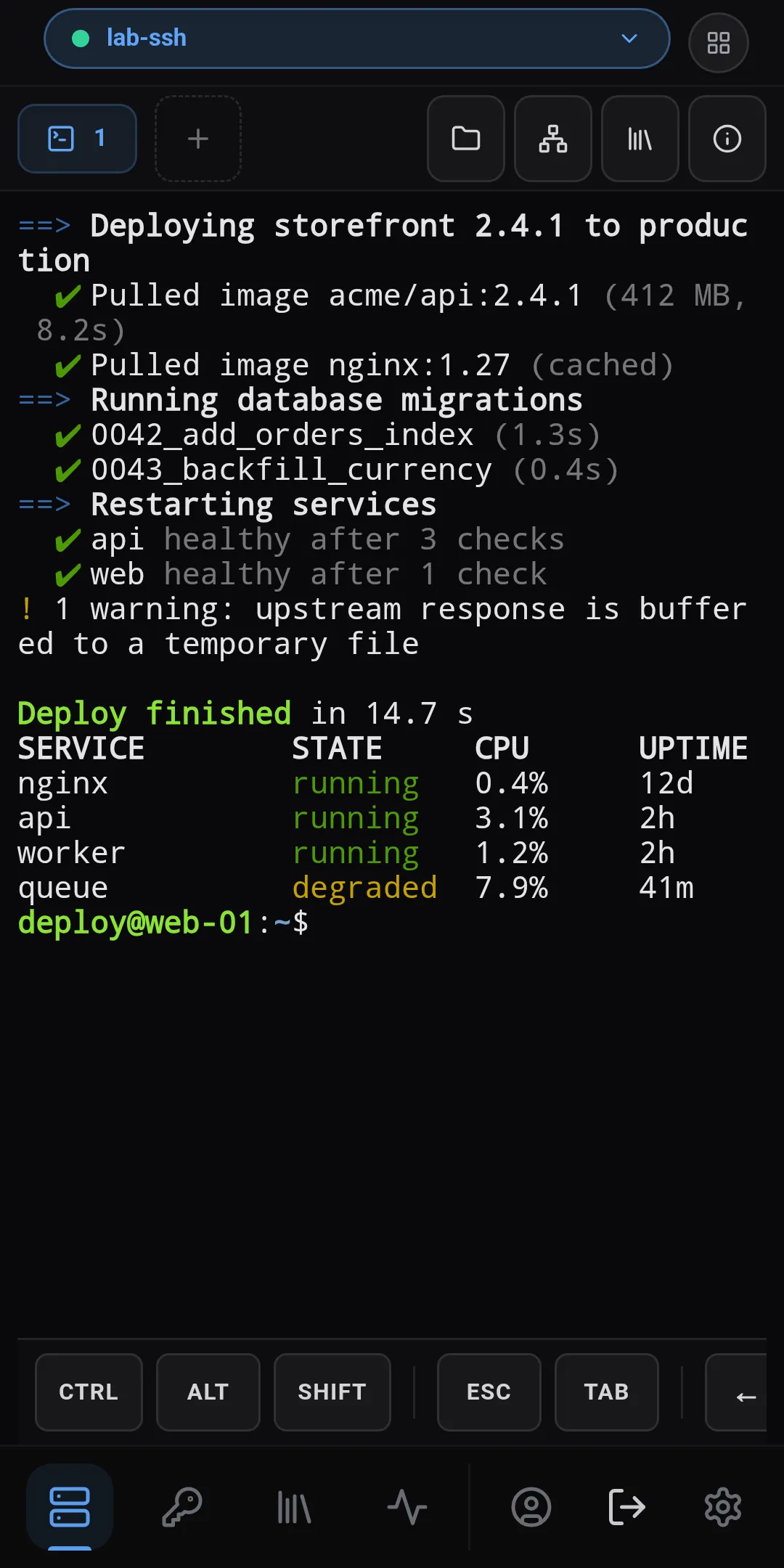
The same profile on your phone, with a key bar for the terminal.
Bring your servers over from PuTTY, MobaXterm and OpenSSH.
Tabs, split view and the Wall, which shows many servers side by side and can type into all of them at once.
Two-pane SFTP with drag and drop between your computer and the server.
Local, remote and SOCKS forwarding with names, started together with the app if you like.
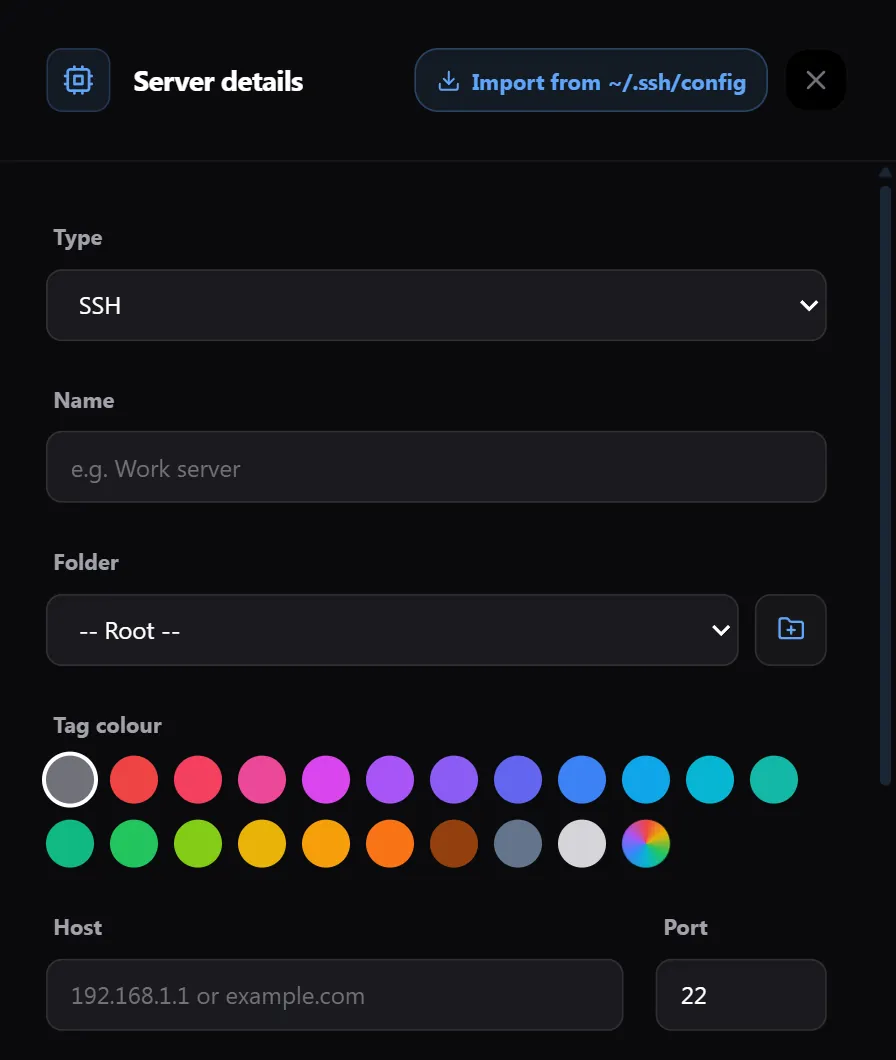
Reads your ~/.ssh/config and imports from PuTTY, MobaXterm and OpenSSH.
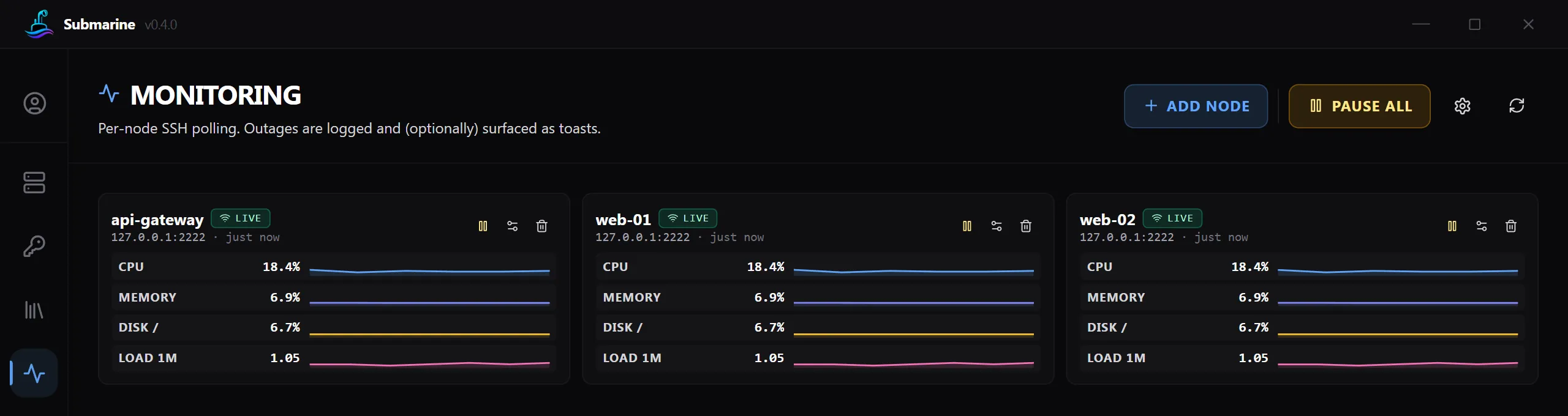
Watches CPU, memory, disk and network over SSH and tells you when a server goes down.
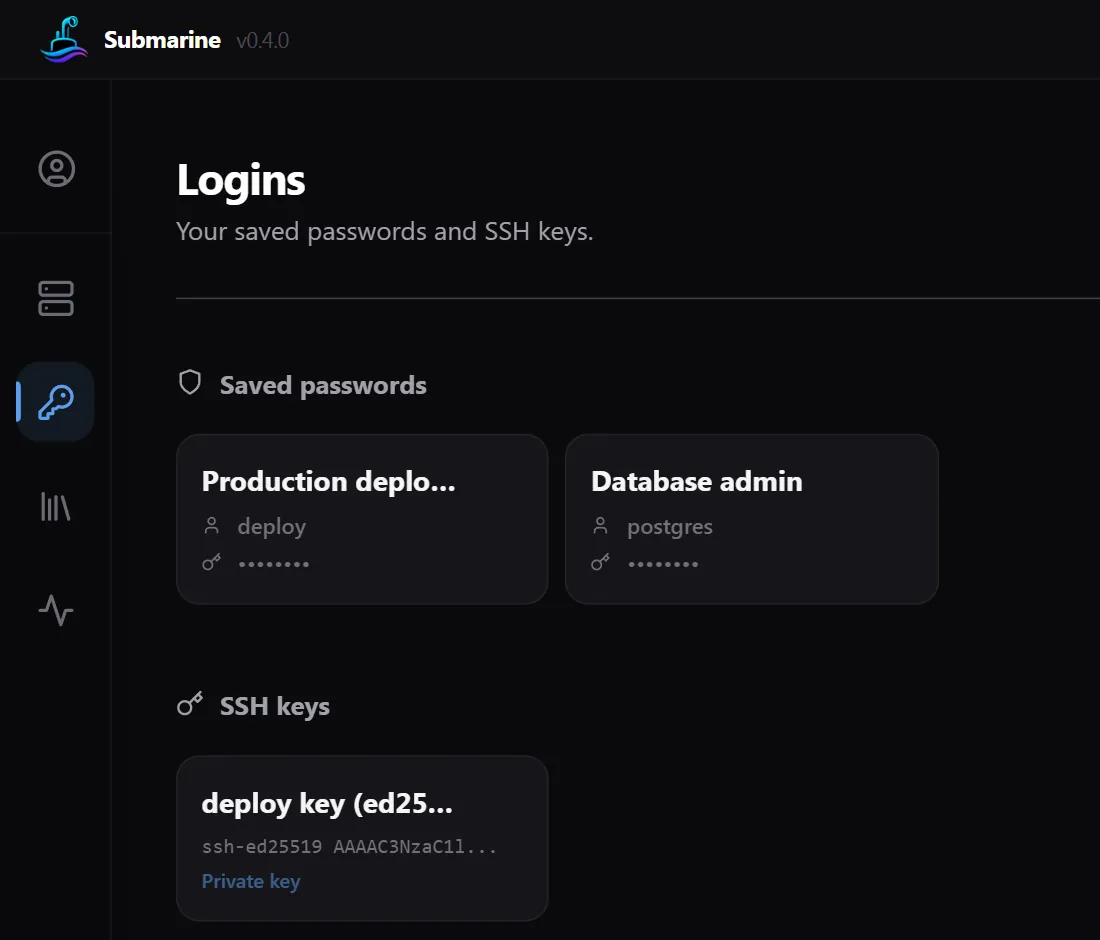
Passwords and keys live in an encrypted profile that only your password opens.
The same profile on Android, with the same encryption.
VNC and the built-in RDP client open in a tab, directly or through one of your SSH servers. RDP can also open in your computer's own RDP app.
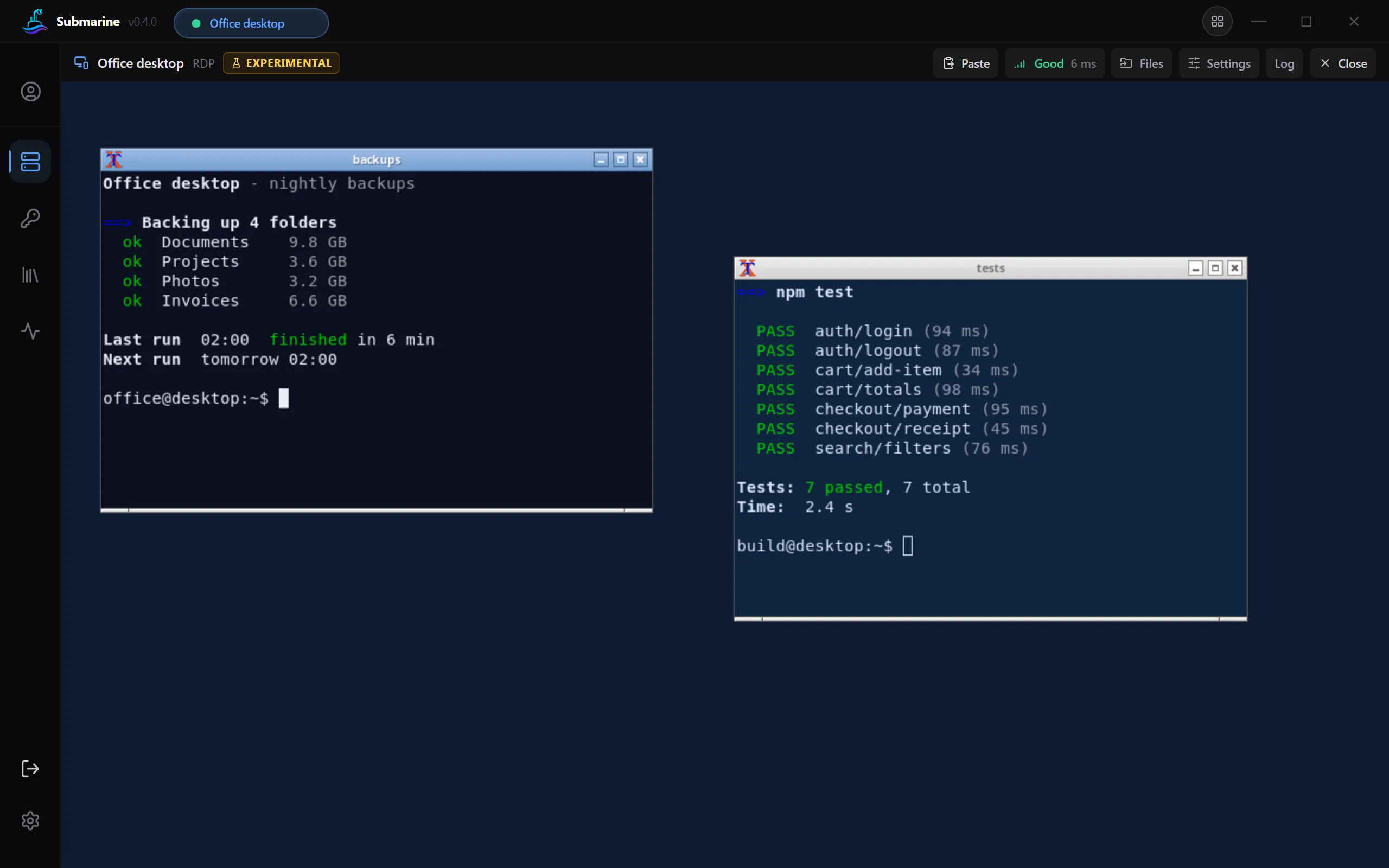
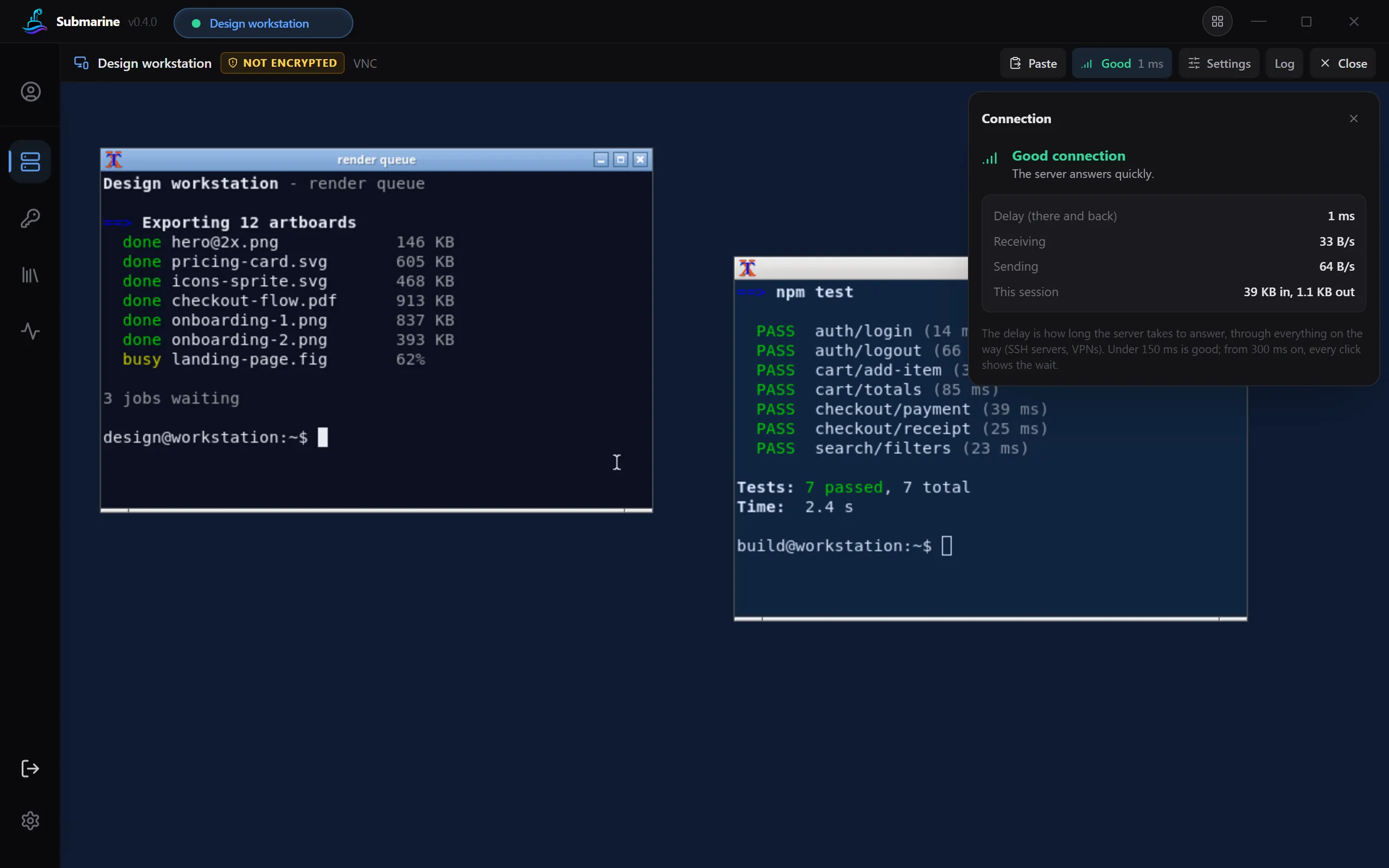
A mark in the tab says Good, Fair, Weak or Not answering, with the delay. Its panel shows how much data goes each way, and on a weak link it offers to use less data.
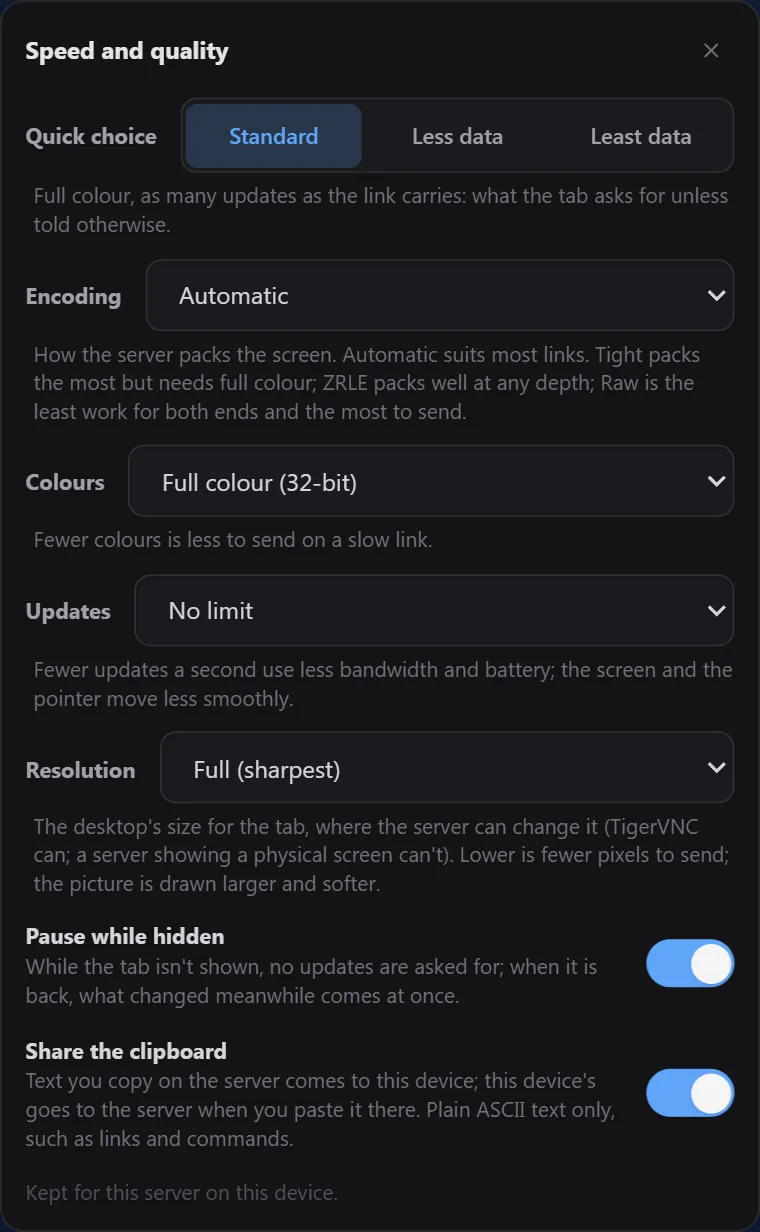
Choose the colours, the resolution and, for VNC, how often the picture is updated, or pick a quick choice such as Less data. A hidden tab pauses its picture, so nothing is sent while nobody is looking.
Text you copy on the remote desktop comes to your clipboard, and yours goes there only when you paste. VNC carries plain text only.
The built-in RDP client can share a folder or a whole drive, read only if you like. On a computer, not on a phone. The choice stays on this device and is never synced.
Through an SSH server, your RDP app connects to the same local address every time, so what it remembers (a trusted certificate, a saved login) is found again. On Windows, Remote Desktop Connection also gets the saved password, encrypted, in a file that is deleted once it is read.
RDP, VNC and Telnet can all go through one of your SSH servers. Connections that are not encrypted are clearly marked.
The built-in RDP client is experimental, and off until you choose it for a server (Open in: Submarine's tab). Until then, RDP opens in your computer's RDP app. On Android, the built-in client is the one used.
Your data is encrypted before it is saved, and before it leaves your device. We publish exactly what our server can and cannot see.
Profiles are encrypted with AES-256-GCM. The key is made from your password with Argon2id. The password itself is never stored or sent.
If you turn it on, every item is encrypted on your device first. The server keeps only the encrypted version. It does see some details around it, such as your email address and when you sync, and we list them all.
No ads, no analytics, no crash reports. The app talks only to your servers, to the sync server if you sign in, and to GitHub to check for a new version.
Free. Really.
No paid plan, no trial, no ads, and no account needed.
All downloads come from the project's releases on GitHub.
This page describes version 0.4, which is in its last tests and not released yet. Until it is, the Download buttons give version 0.3.8. Version 0.3.8 has the terminal, file transfer, tunnels, monitoring and sync, but not the remote desktops, Telnet, Windows Hello and fingerprint unlock, SSH agents, folder compare and the rest of what 0.4 adds. From 0.4, Windows also gets a portable .zip.
e9e350dc9f8628bee461be3424c0c2b2180f00685cc380de80c86808ae669f1c.Yes. The app is free and open source under the MIT license, with no paid plan and no ads. The sync service is free too, within the limits above.
No. Everything works without one. You only need an account if you want to sync profiles between your devices.
No. Every item is encrypted on your device before it is uploaded, and the server never gets the key. It does see some details around your data, such as your email address, when you sync, and how many items you have. The security page lists all of them.
Then nobody can open that profile, not even us. There is no recovery, because the password is never stored anywhere. Keep it somewhere safe.
Yes, from version 0.4. VNC shows the screen in a tab and shares the clipboard (plain text). RDP opens in your computer's RDP app, or in a tab with the experimental built-in client, which shares the clipboard and, on a computer, a folder or a drive. In a Submarine tab, both show how the connection is doing and let you trade picture quality for less data. Telnet opens in a terminal tab. All three can go through an SSH server, and Telnet and plain VNC are marked as not encrypted.
Clipboard text when you paste into its tab, and nothing before that. Text copied on the server comes to your clipboard while Share the clipboard is on. Files only if you choose a folder or a drive for the built-in RDP client, on a computer. These choices are kept on your device and never synced, so nobody you share a profile with can turn them on.
Windows 10 and 11, macOS on Apple Silicon (M1 and later), Linux (.deb, .rpm, Arch, AppImage) and Android 7.0 or later.
Yes. In the app, open Cloud sync and change the sync server. Our server's code is not published, so a server of your own has to offer the same API, which is described in the app's source code.
In the app (version 0.4 and later), use Delete account… in Cloud sync. You can also do it on the delete account page.